Scene Creation with Blender and Substance Painter
Use Blender and Substance Painter to create an interior scene for animation, games, or architectural visualization.
English
Last updated
Sun, 13-Mar-2022
Use Blender and Substance Painter to create an interior scene for animation, games, or architectural visualization.
English
Last updated
Sun, 13-Mar-2022
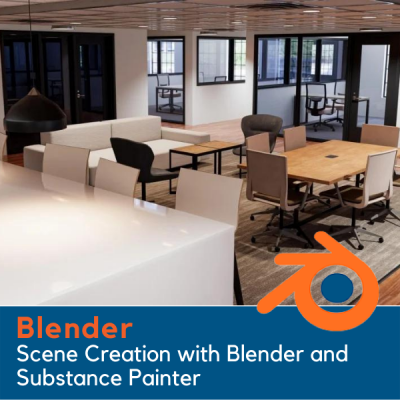
e will go over Blender’s modeling toolset and use blueprints to build up the walls, doors, and windows of the scene. We also will use reference images to help us model each piece of furniture in the various rooms.
You'll learn how to UV map 3D objects and how to prepare each one for export to Substance Painter as an FBX file. In Substance Painter we’ll create realistic PBR textures for our models, and you’ll learn how best to set-up those textures for use in Blender.
After we add the textures in Blender, we will begin working on the lighting. We’ll add spot lights and area lights to the scene and we will render the scene out using both Blender’s Cycles render engine, and the new Eevee render engine. You’ll see the differences and benefits of both.
All the project files are available for download, as well as all the reference images.
Start creating your own 3D environments in Blender. Get "Scene Creation with Blender and Substance Painter" today!


Video Online Course